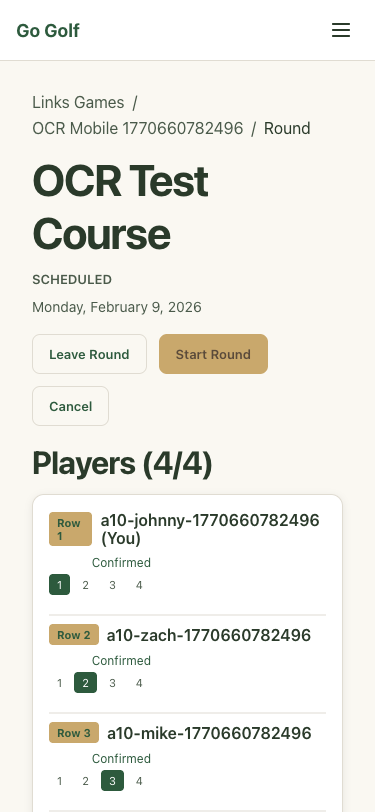
A10-OCR-Review-Mobile
2026-02-09T18-13-02 | https://go-golf.pages.dev | Viewport: 375×812 (mobile)
PASS
Step 1: Create 4 test users via API
1455ms

PASS
Step 2: Authenticate as player 1 (johnny)
7269ms
.png)
PASS
Step 3: Create crew via API
177ms
PASS
Step 4: Add other players to crew
542ms
PASS
Step 5: Create round via API
140ms
PASS
Step 6: Add all 4 players as participants
1112ms
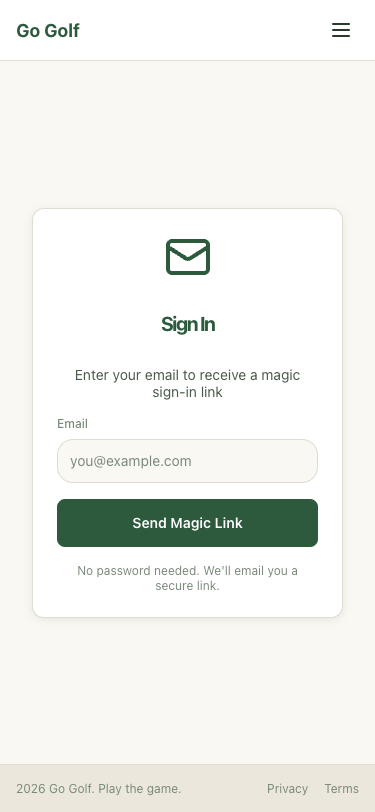
PASS
Step 7: Assign scorecard rows to participants
567ms
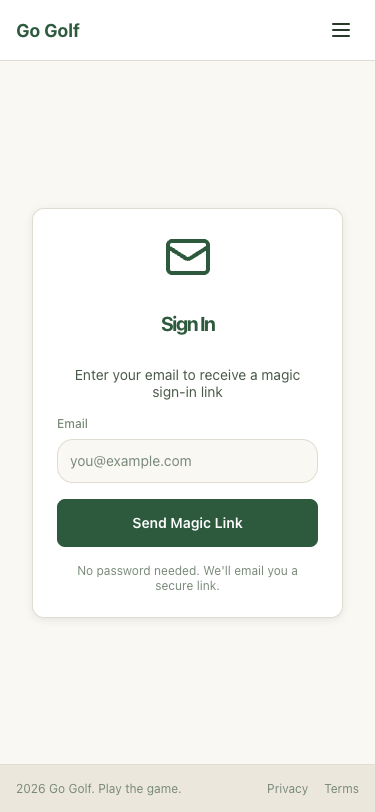
PASS
Step 8: Upload scorecard image via API
2859ms
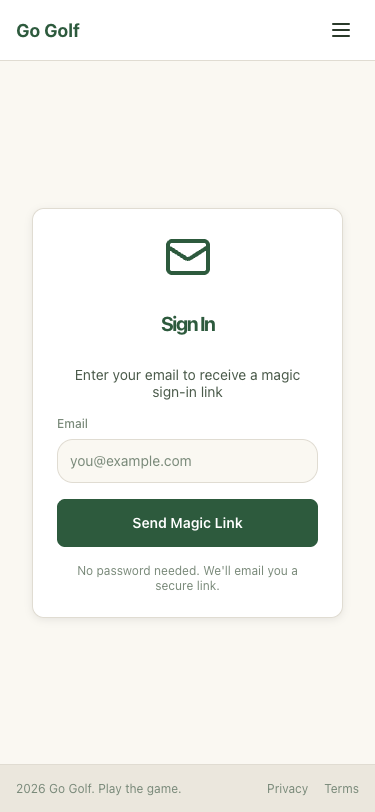
PASS
Step 9: Approve the uploaded photo via API
180ms
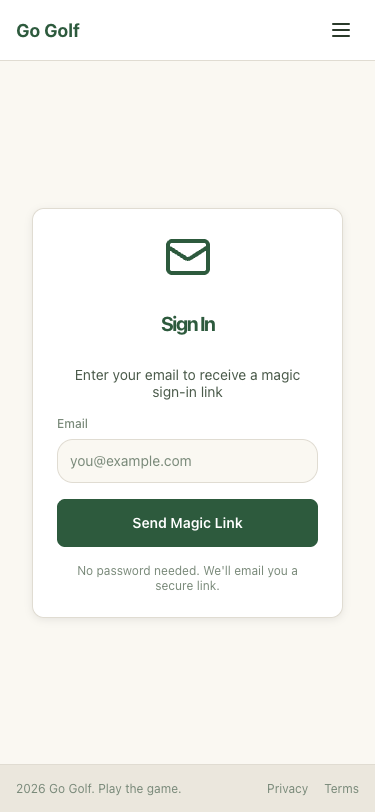
PASS
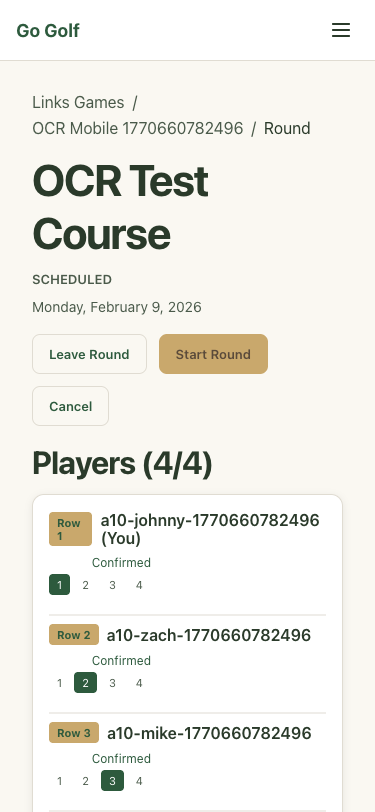
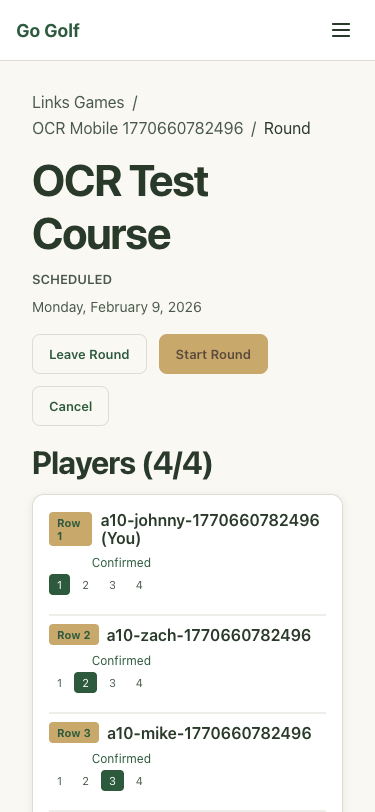
Step 10: Navigate to round detail page
5376ms
PASS
Step 11: Click Verify & Save Scores button
15139ms
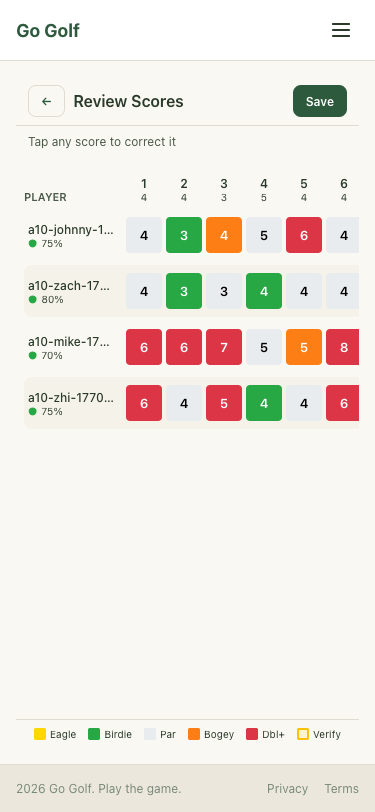
PASS
Step 12: Wait for OCR parsing to complete
2030ms
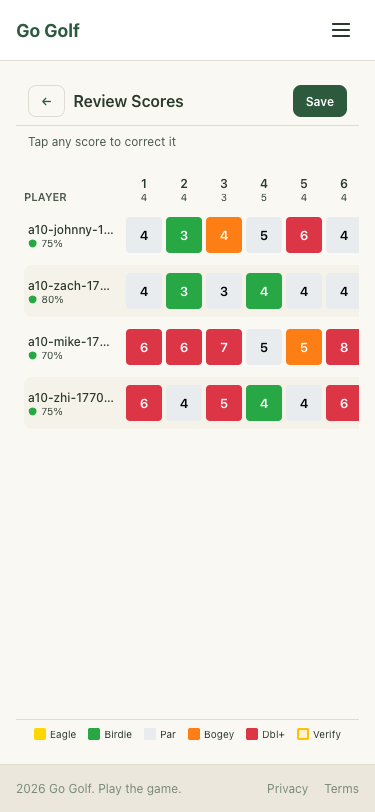
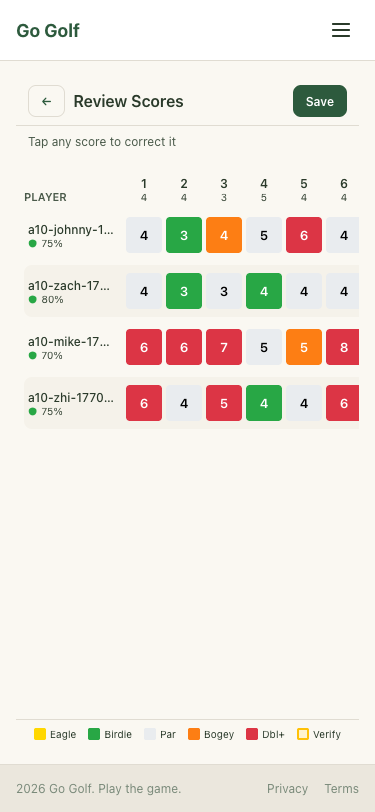
PASS
Step 13: Read OCR parsed scores and compare to ground truth
3ms
PASS
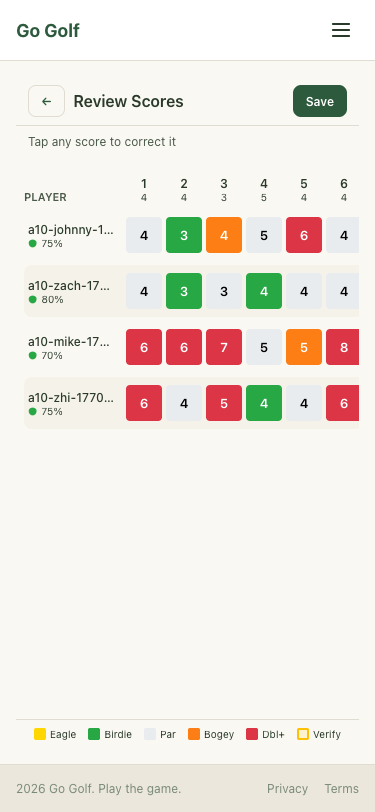
Step 14: Correct johnny hole 7: 9→4 (tap cell)
131ms
.png)
PASS
Step 15: Select score 4 on lock dial and confirm
1972ms
PASS
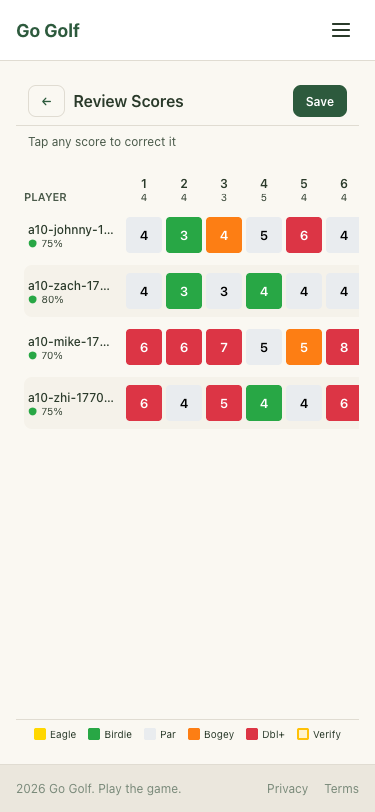
Step 16: Correct johnny hole 10: 4→7 (tap cell)
102ms
.png)
PASS
Step 17: Select score 7 on lock dial and confirm
1218ms
PASS
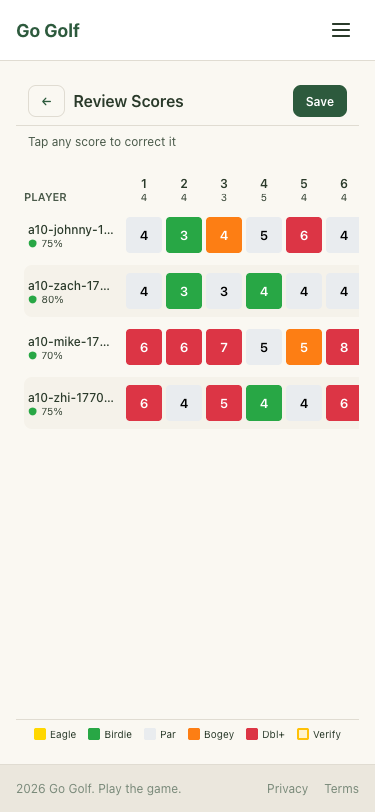
Step 18: Correct johnny hole 11: 5→4 (tap cell)
141ms
.png)
PASS
Step 19: Select score 4 on lock dial and confirm
1172ms
PASS
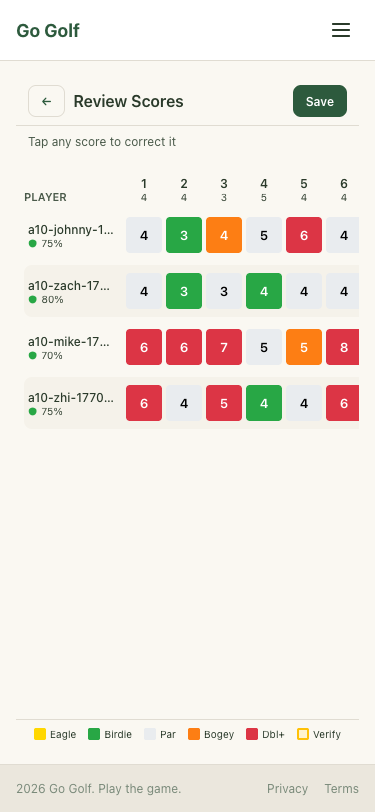
Step 20: Correct johnny hole 12: 2→5 (tap cell)
165ms
.png)
PASS
Step 21: Select score 5 on lock dial and confirm
1088ms
PASS
Step 22: Correct johnny hole 13: 4→2 (tap cell)
153ms
.png)
PASS
Step 23: Select score 2 on lock dial and confirm
1457ms
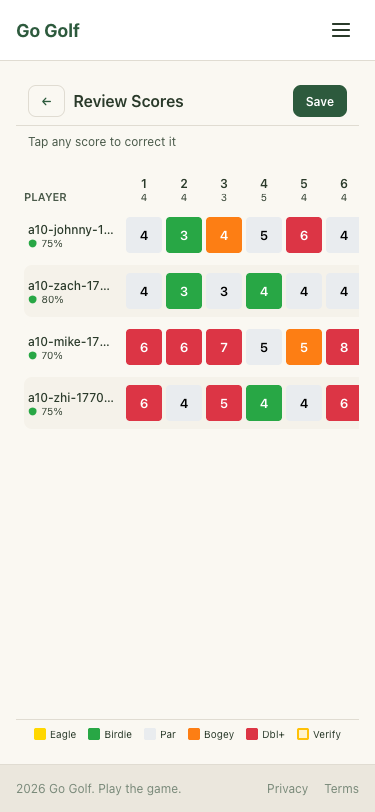
PASS
Step 24: Batch correct 15 remaining scores via test hook
1012ms
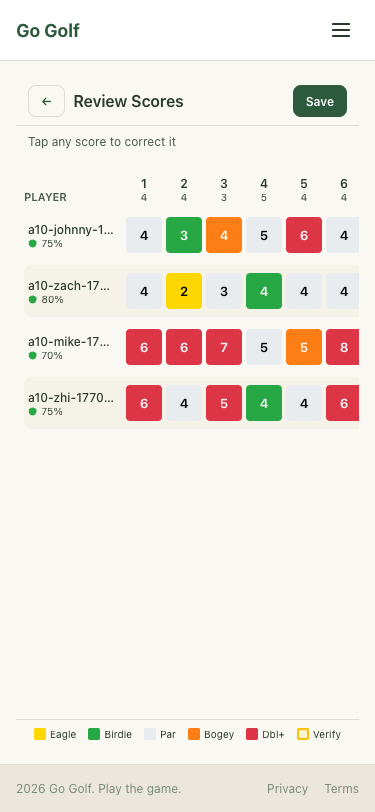
PASS
Step 25: Verify all corrections match ground truth
1ms
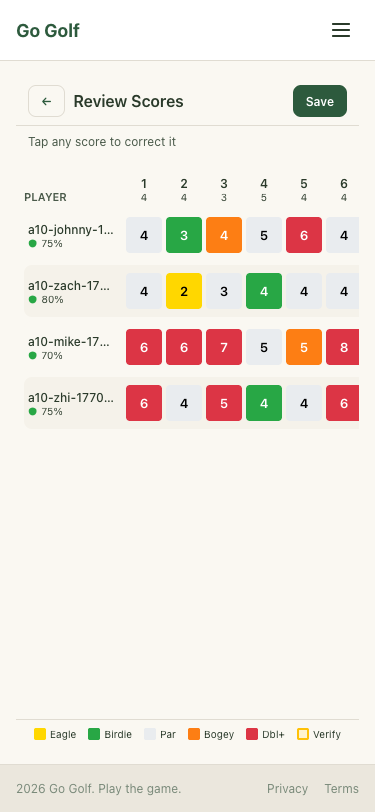
PASS
Step 26: Save corrected scores
7223ms
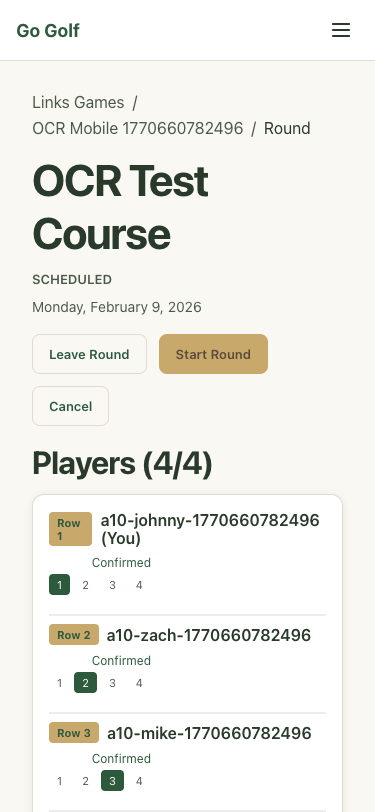
PASS
Step 27: Verify saved scores match ground truth via API
531ms
PASS
Step 28: Verify round detail shows scores saved
10085ms